
When an agency or venue books you via the platform, your invoice is automatically generated and sent to the hirer. The hirer then pays you directly.
If the due date is past, and your invoice is not paid, you can send a reminder to the hirer.
To do this, follow the instructions below.
1. Navigate to the Invoices page via the main navigation.
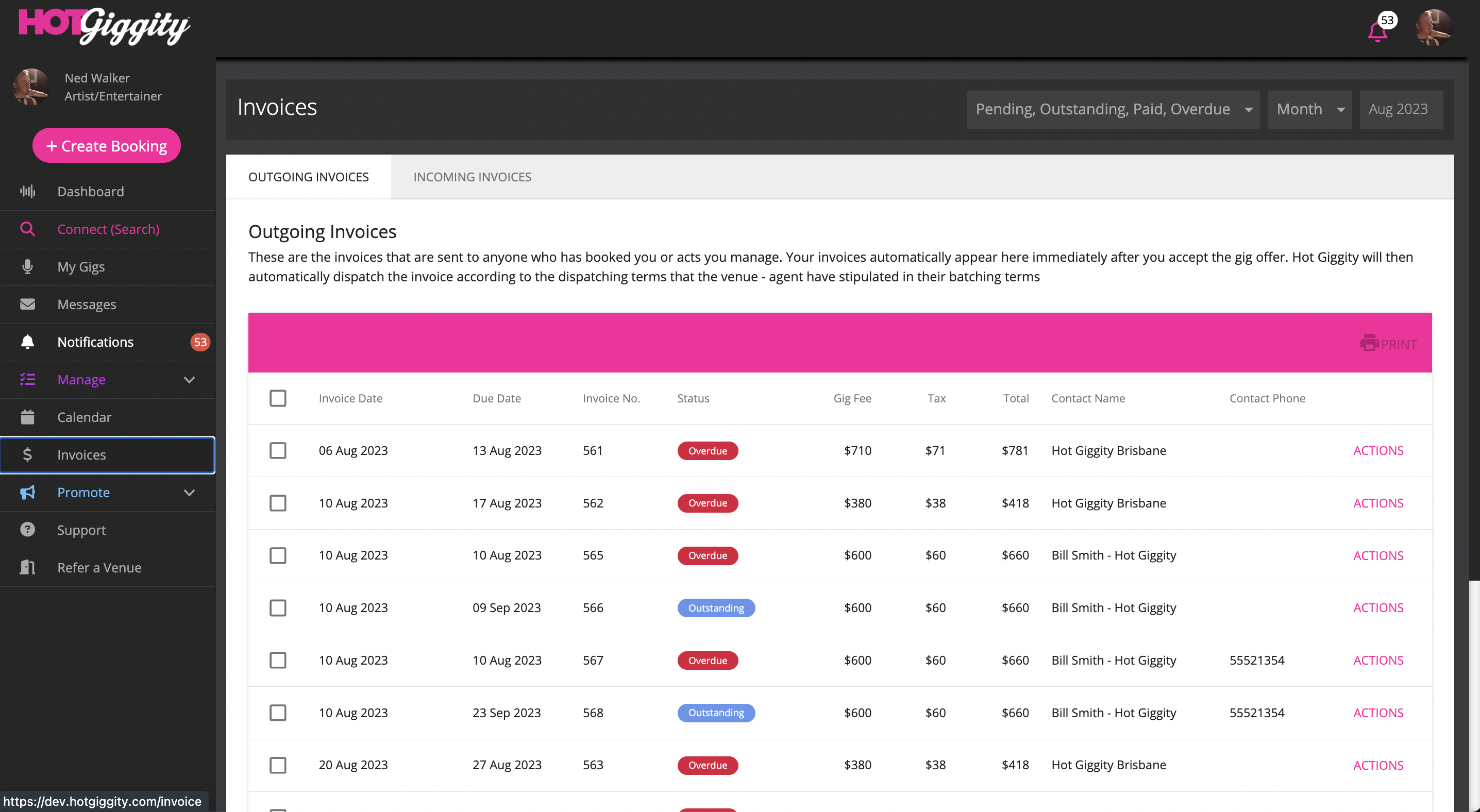
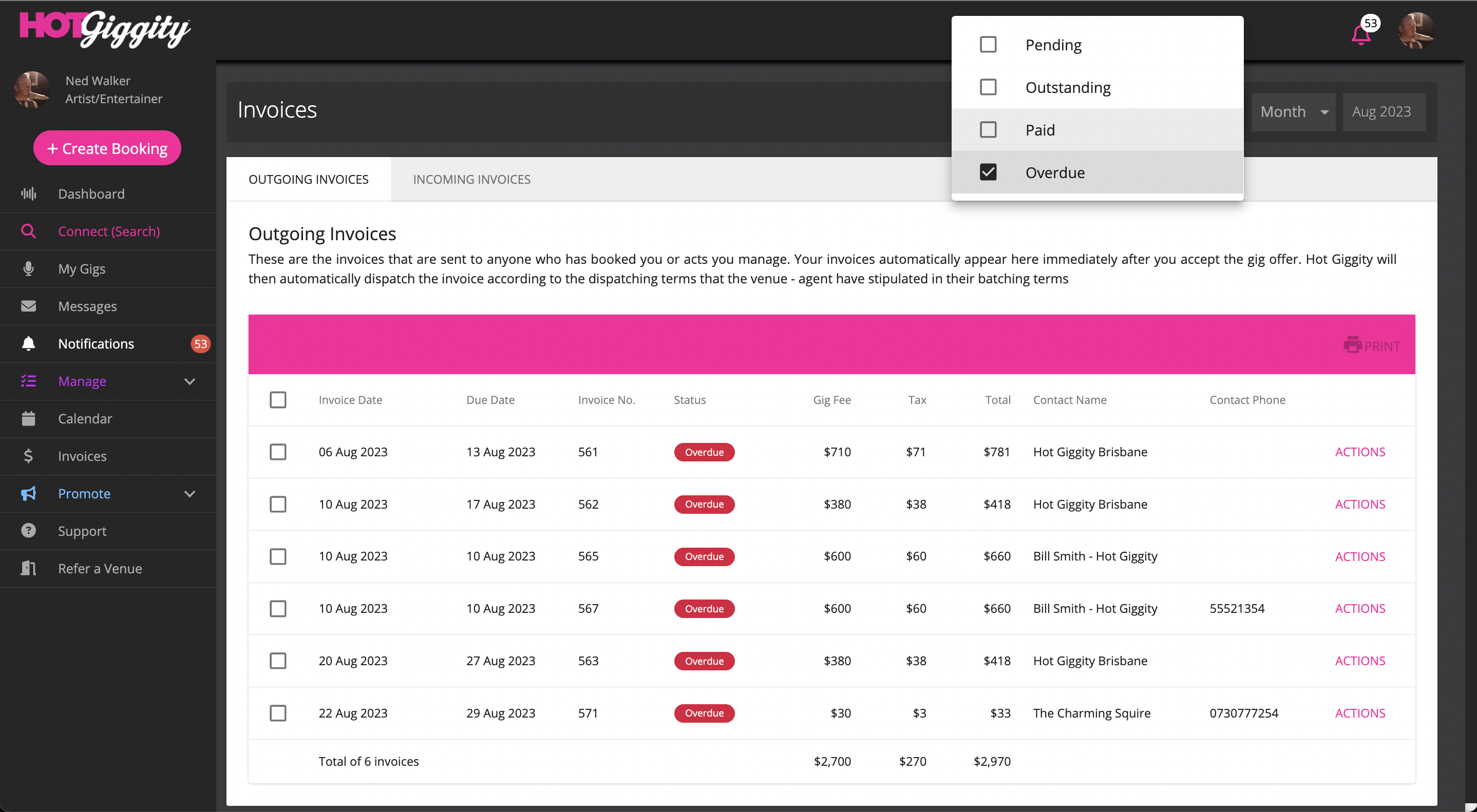
2. Use the invoice status to filter Overdue invoices. Be sure to select the month you want to work with.
3. Click Actions
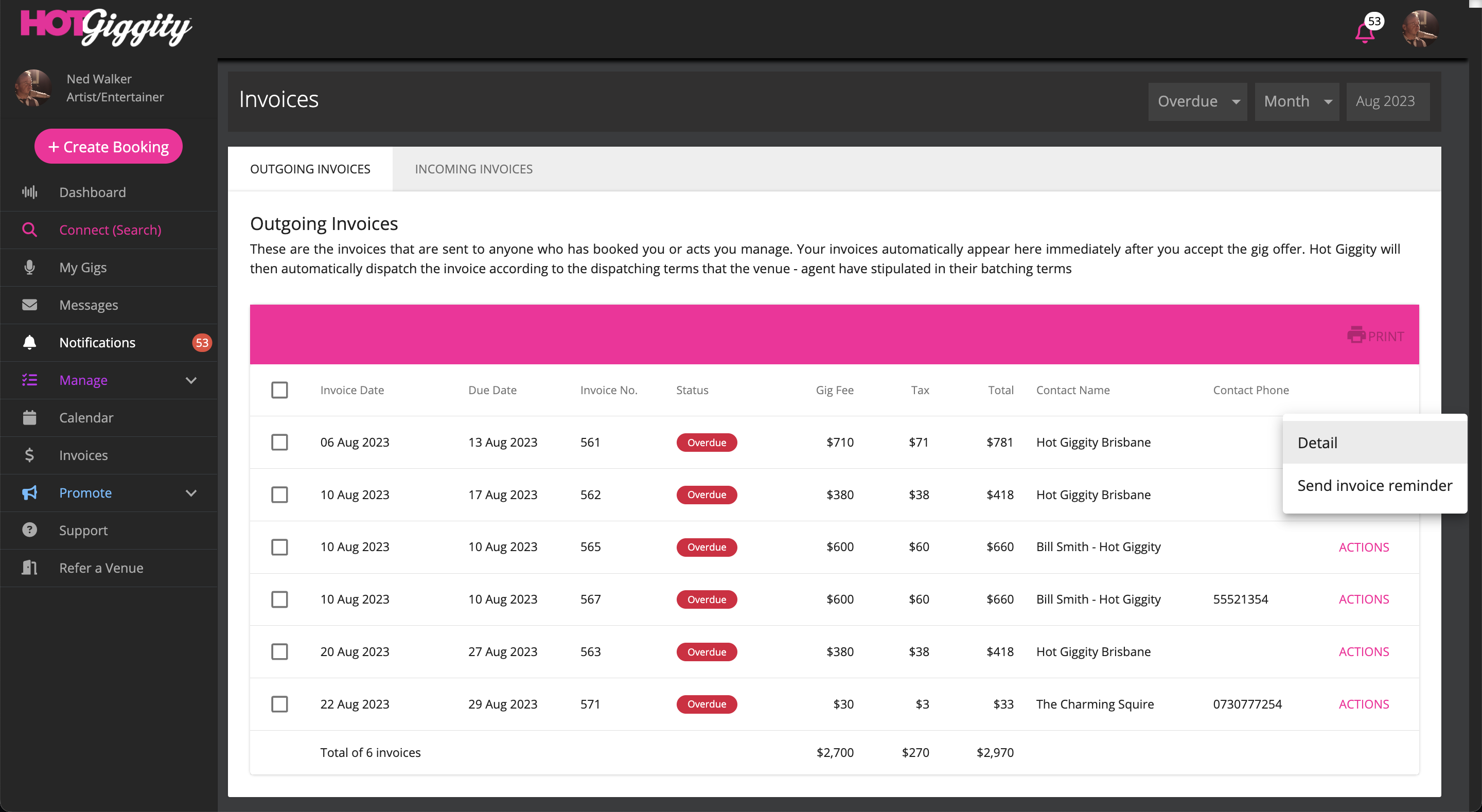
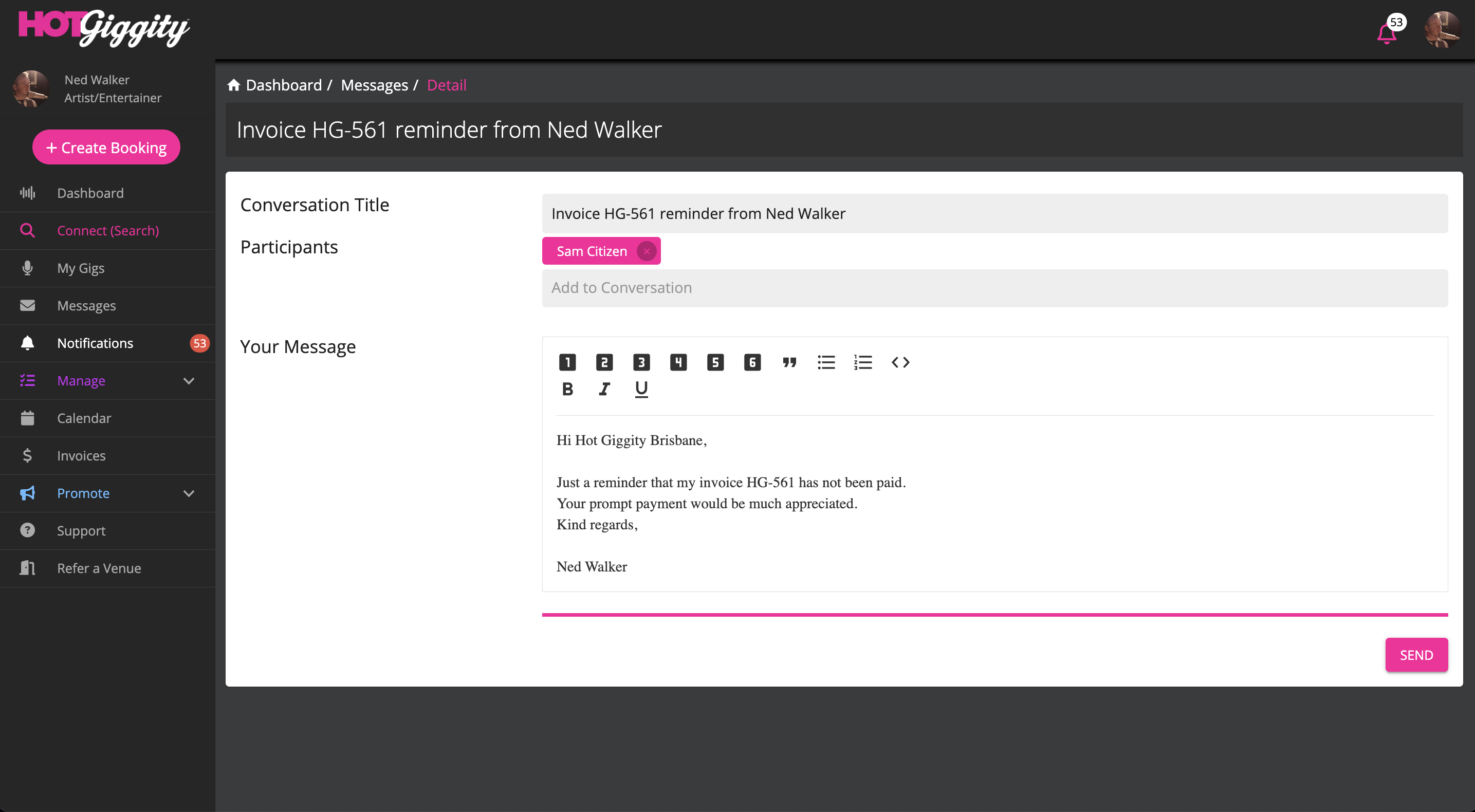
4. Click 'Send invoice reminder'. This will open a prepopulated message to the hirer. You can then edit the message if required and hit send.
If you have any quesitons about this process, please email us via support@hotgiggity.com.